AI Couple Photo Prompts for Romantic Pictures
Create romantic, realistic, and creative couple photos with these ready-to-use AI prompts. Choose an idea, copy the prompt, and customize the details to match your own concept.
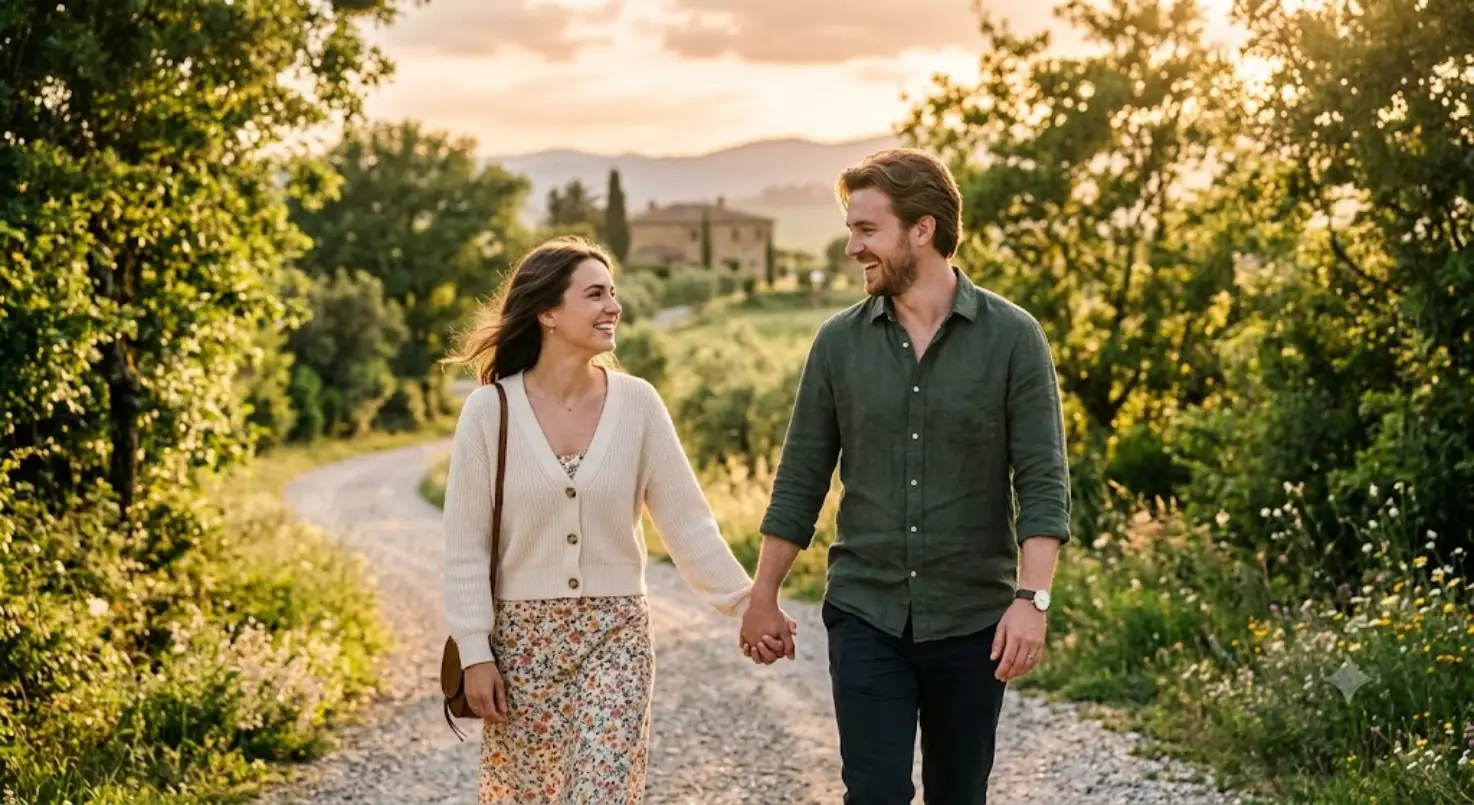
Romantic Outdoor Couple
A natural romantic couple scene with warm lighting and a relaxed outdoor atmosphere.
Create a realistic romantic photo of a young couple walking together in a beautiful outdoor setting, holding hands and smiling naturally at each other. Soft golden-hour sunlight, warm tones, natural expressions, realistic skin texture, subtle background blur, professional photography, candid romantic atmosphere.
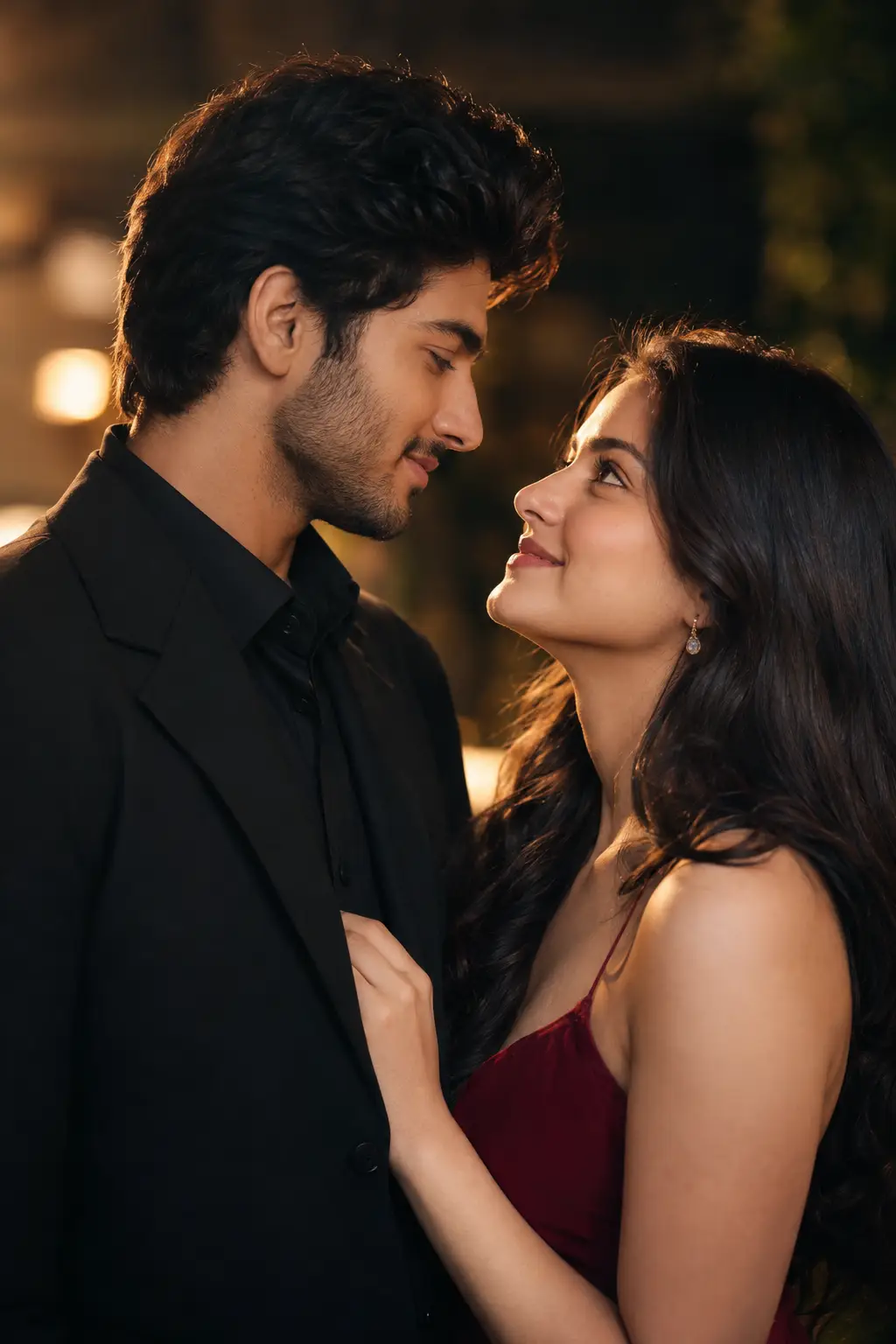
Cinematic Couple Portrait
Create a dramatic couple portrait with cinematic lighting and a professional photography feel.
Create a cinematic portrait of a couple standing close together, looking naturally at each other with a warm romantic expression. Dramatic soft lighting, shallow depth of field, detailed facial features, realistic skin texture, cinematic color grading, elegant composition, high-end photography style.
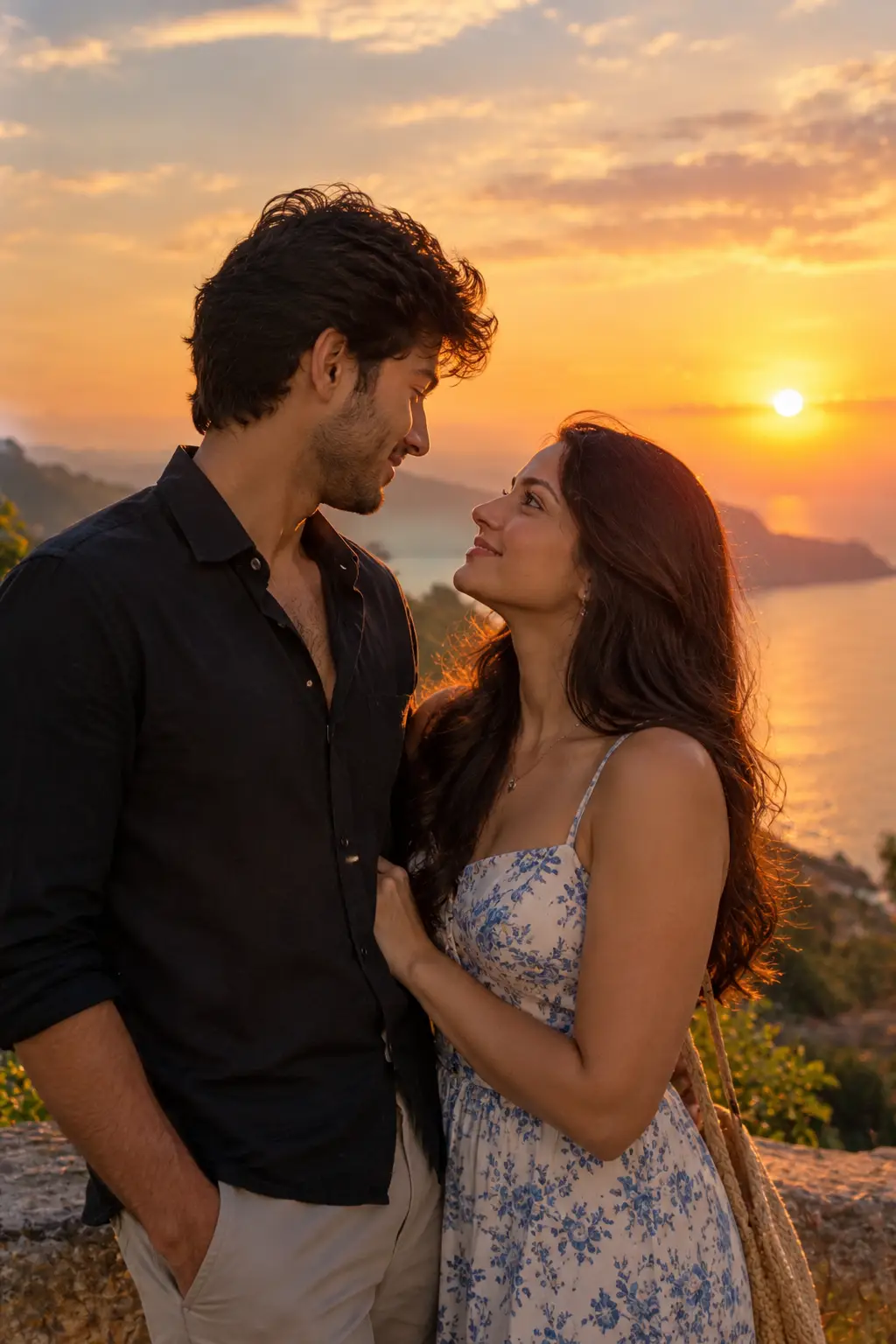
Couple at Sunset
A warm sunset scene designed for soft, romantic, and photorealistic couple images.
Create a photorealistic couple standing together during sunset near a scenic location. The couple is looking at each other naturally while warm sunset light creates a soft glow around them. Beautiful sky, realistic shadows, natural poses, detailed clothing, soft background blur, romantic photography.
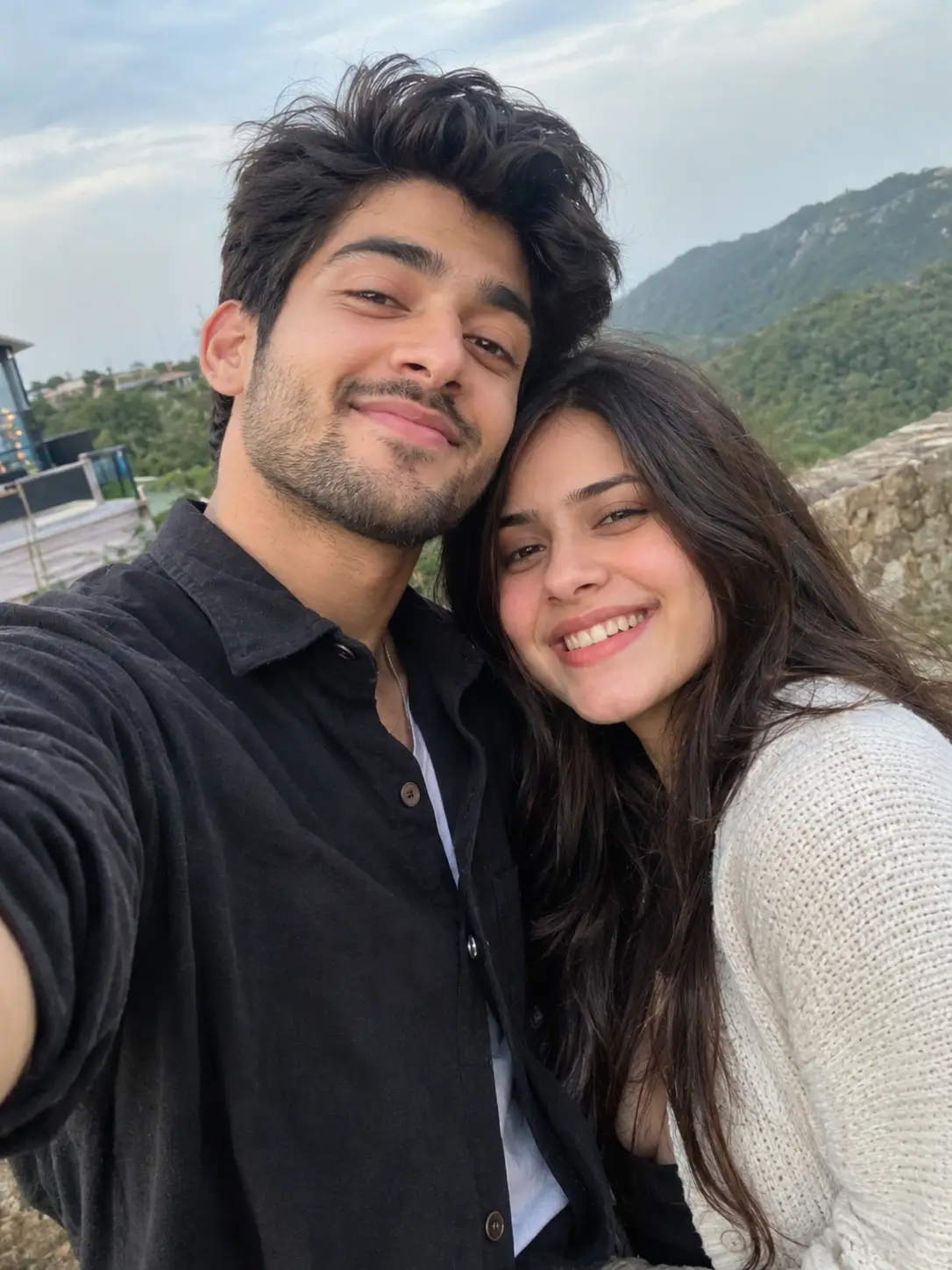
Cute Couple Selfie
A casual and natural selfie-style prompt for creating everyday couple moments.
Create a realistic close-up selfie of a happy couple smiling together. Natural facial expressions, casual outfits, soft daylight, authentic skin texture, realistic hair details, slightly blurred background, natural smartphone photography style, candid and cheerful mood.
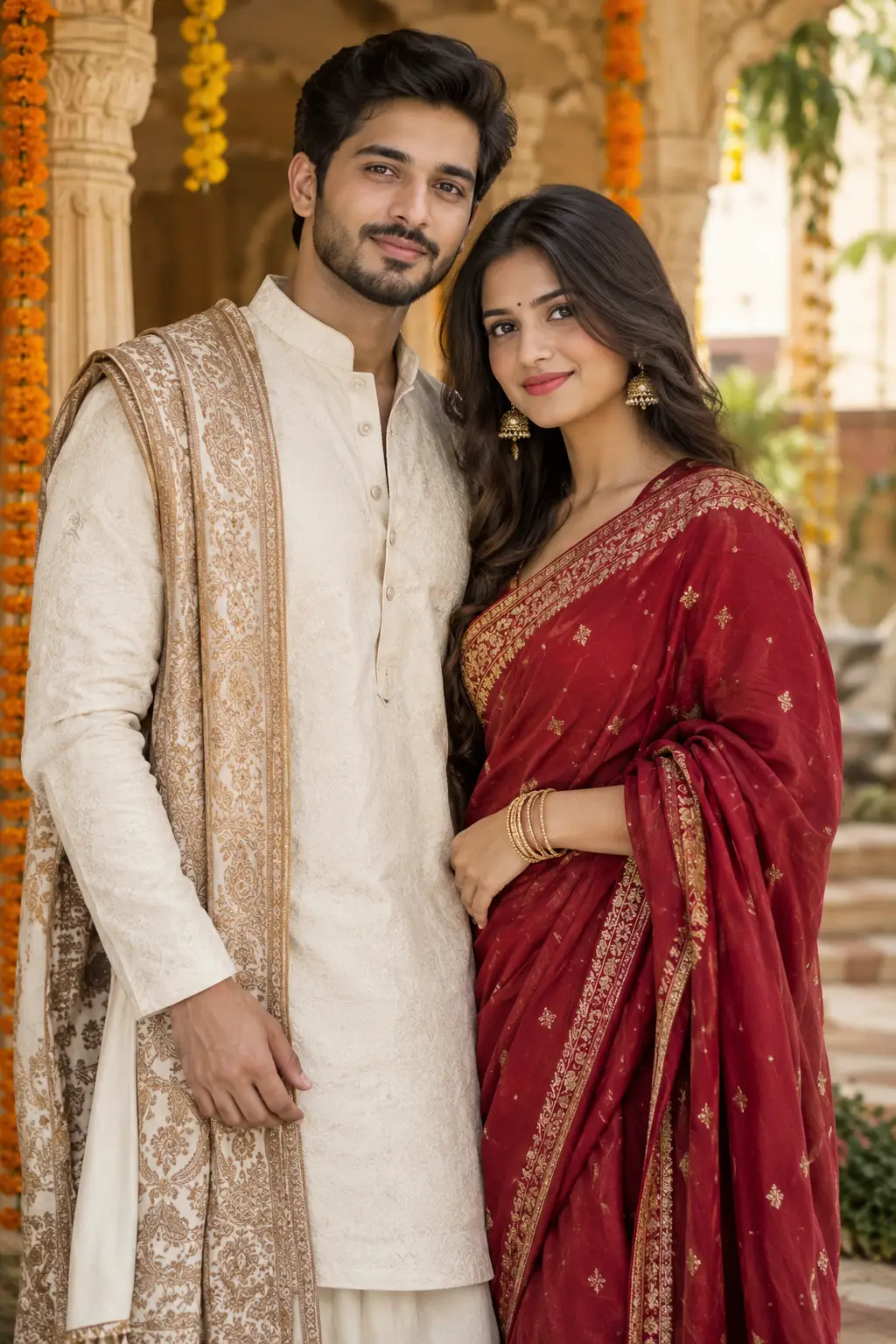
Traditional Couple Portrait
An elegant traditional couple portrait with detailed clothing and a refined photography style.
Create an elegant realistic portrait of a couple wearing traditional outfits, standing together with natural and confident expressions. Beautiful cultural setting, detailed clothing textures, soft warm lighting, realistic skin tones, balanced composition, professional portrait photography style.
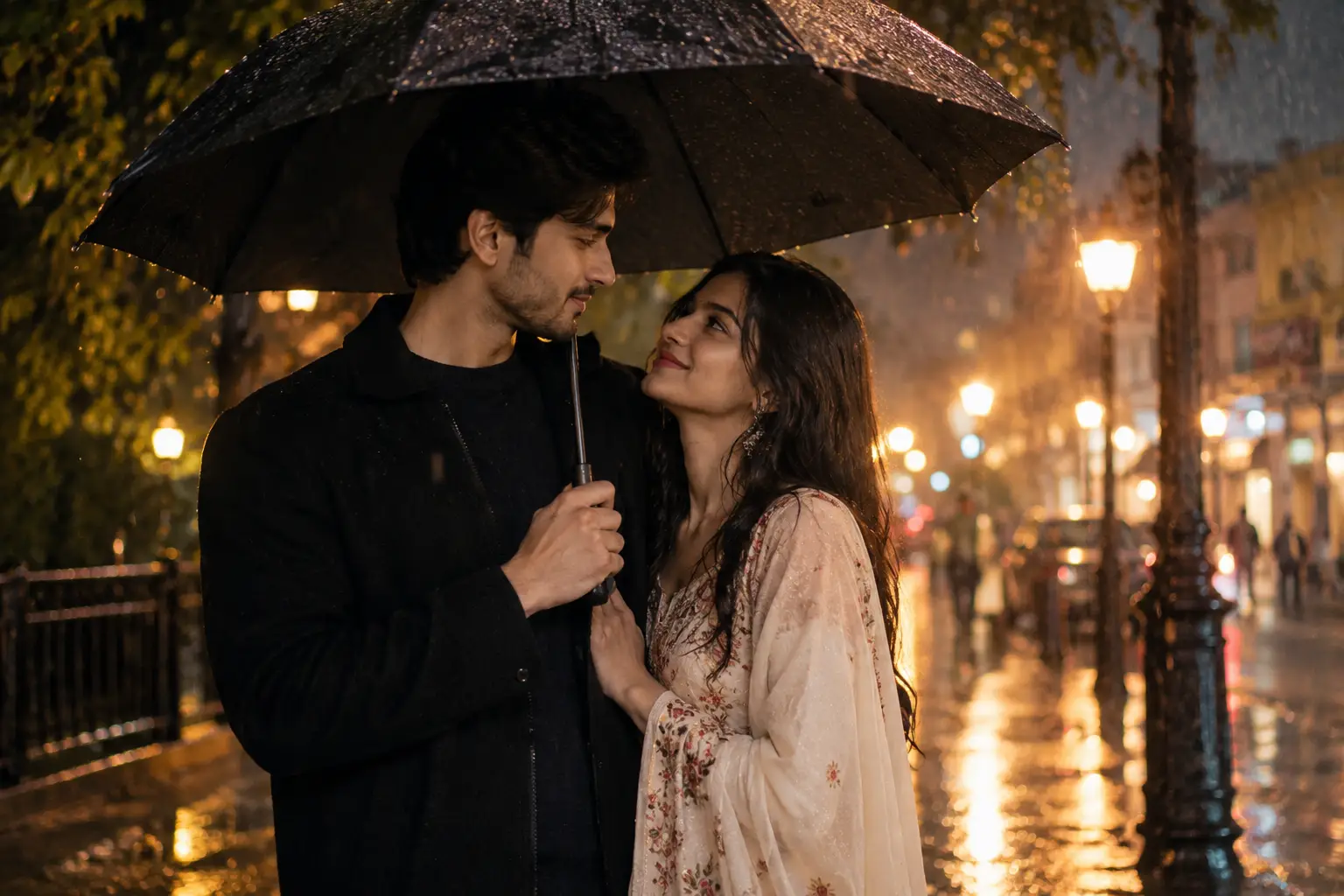
Rainy Couple Scene
A cinematic rainy evening scene with reflections, soft lights, and a romantic atmosphere.
Create a cinematic realistic photo of a couple standing together under an umbrella on a rainy evening. Wet streets reflecting soft city lights, gentle rain, warm romantic lighting, natural expressions, realistic clothing details, shallow depth of field, cinematic photography style.
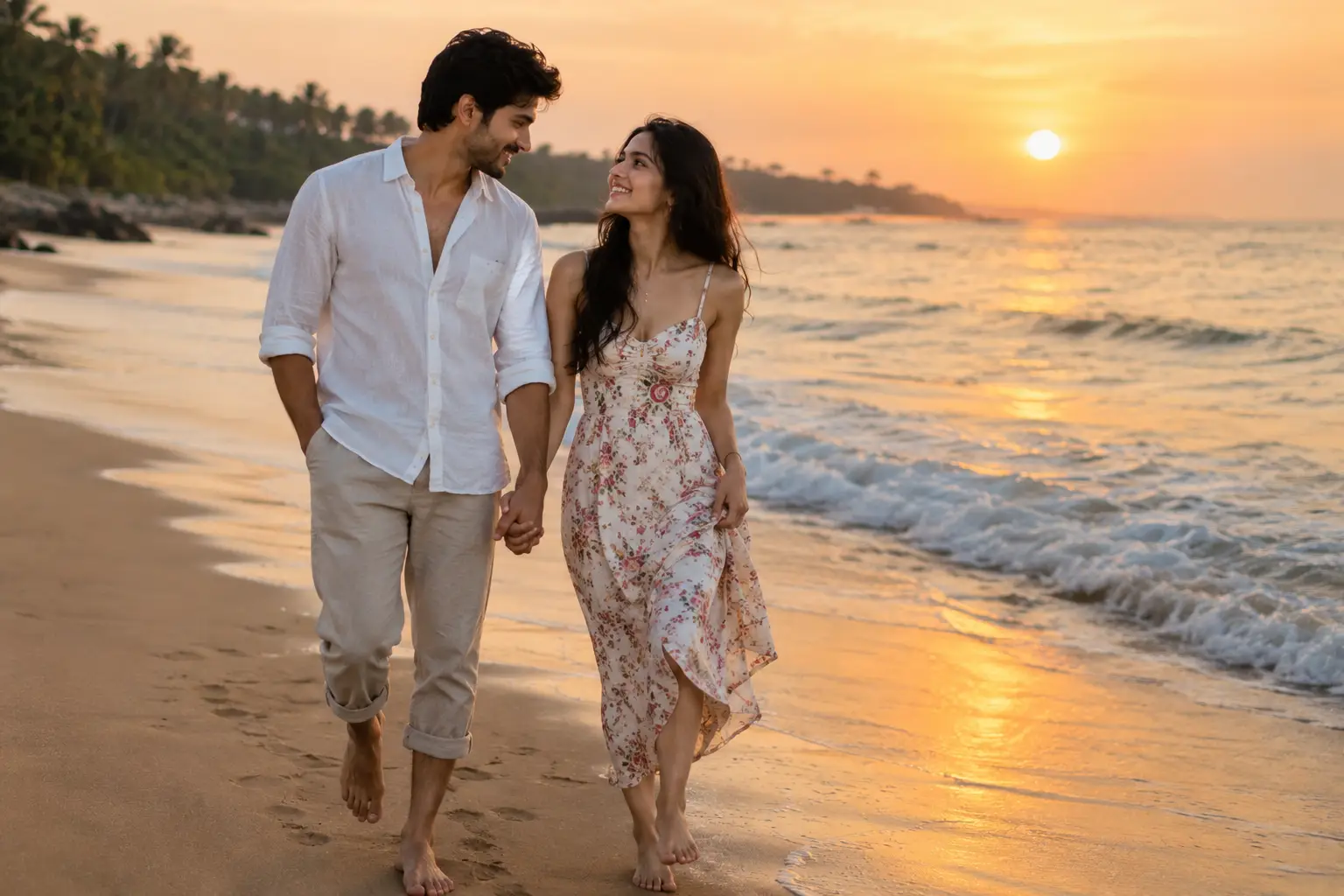
Beach Couple Photo
A relaxed beach scene perfect for creating natural and romantic couple travel photos.
Create a realistic romantic photo of a couple walking barefoot together along a peaceful beach. Soft evening sunlight, gentle waves, natural smiles, casual summer outfits, realistic skin and hair, warm atmosphere, subtle shadows, professional travel photography style.
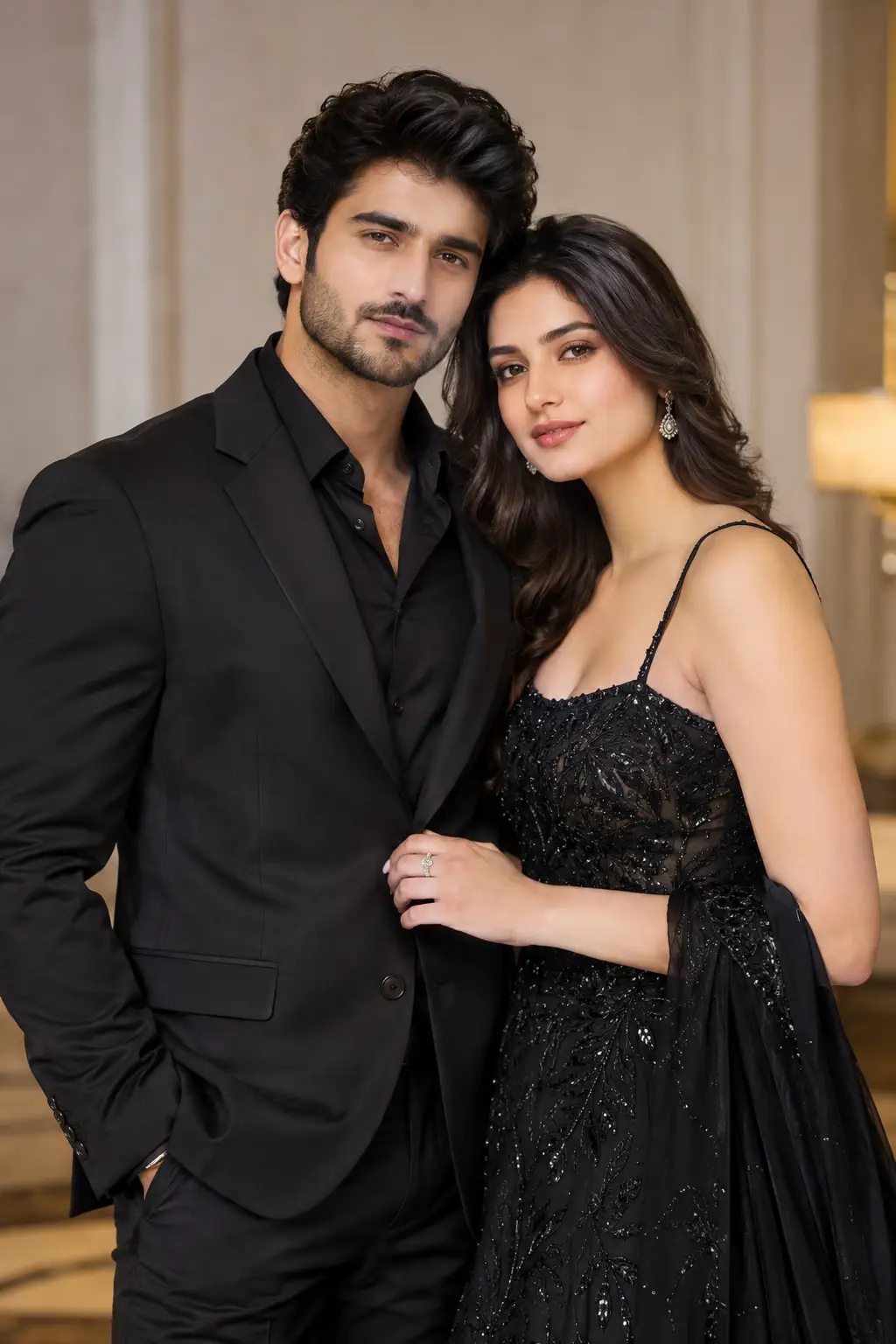
Elegant Couple Photoshoot
A polished editorial-style couple photoshoot with sophisticated styling and professional lighting.
Create a high-end professional couple photoshoot featuring two people standing close together in an elegant setting. Sophisticated outfits, natural expressions, soft studio lighting, realistic skin texture, detailed clothing, clean composition, luxury editorial photography style.
How to Use These Prompts?
You can use these AI couple photo prompts as a starting point for creating your own images. Copy the prompt you like, paste it into a compatible AI image tool such as ChatGPT or Gemini, and adjust the details to match your idea.
For a more personalised result, change the location, outfits, pose, lighting, expressions, or photography style. You can also combine details from different prompts to create a completely new concept.
A simple approach:
- Choose a couple prompt that matches the type of photo you want.
- Copy the prompt and paste it into your preferred AI image tool.
- Replace general details with your own preferences.
- Generate the image and review the result.
- Refine the prompt if you want to change the pose, background, clothing, lighting, or mood.
You don’t need to use every part of a prompt. Keep the details that matter to your idea and remove anything that doesn’t.
Tips for Better AI Couple Photos
A detailed prompt can help you communicate your idea more clearly. Instead of only describing the couple, think about the complete scene you want to create.
- Describe the setting: Mention whether you want a beach, café, garden, city, studio, or another location.
- Add outfit details: Specify casual, traditional, formal, seasonal, or other clothing styles.
- Describe the pose: Mention whether the couple is walking, sitting, holding hands, smiling, looking at each other, or taking a selfie.
- Set the mood: Words such as romantic, cheerful, peaceful, emotional, or cinematic can help establish the atmosphere.
- Mention lighting: Try sunset, soft daylight, studio lighting, warm evening light, or dramatic lighting.
- Choose a photography style: You can request a portrait, candid photograph, editorial shoot, cinematic scene, or smartphone-style photo.
- Refine the result: If the first image isn’t what you expected, change specific details instead of rewriting the entire prompt.
The best results often come from experimenting with small changes until the image matches your original idea.
Conclusion
AI couple photo prompts make it easier to turn a simple idea into a detailed visual concept. Whether you’re looking for a romantic sunset scene, a casual selfie, a cinematic portrait, or an elegant photoshoot, the right prompt gives you a useful starting point.
You can use the prompts above as they are or customize them with your own locations, outfits, poses, and styles. Explore more Couple Prompts on Prompt Seen to find new ideas and inspiration for your next AI-generated image.
FAQs
What are AI couple photo prompts?
AI couple photo prompts are written descriptions that tell an AI image tool what kind of couple photo you want to create. They can include details about the people, setting, pose, clothing, lighting, mood, and photography style.
Can I use these prompts in ChatGPT?
Yes. You can copy a prompt and use it with ChatGPT when image generation is available. You can also modify the prompt to describe the specific image you want.
Can I use these prompts with Gemini?
Many of these prompts can also be adapted for Gemini. The generated result may vary depending on the AI model and the instructions you provide.
Can I change the couple’s clothes and background?
Yes. You can customise details such as outfits, hairstyles, locations, backgrounds, poses, lighting, and overall visual style to create a different image.
How can I make an AI couple photo look more realistic?
Add specific details about lighting, facial expressions, clothing, environment, camera perspective, and photography style. You can also refine the prompt after seeing the first generated result.